
CONGRATULATIONS!
You’re in for the AI Launch Kit
Your payment went through and your access to the Launch Kit is confirmed.
Here's what to do next:
1. Check the email address you used at checkout —
Search for subject "Important: Your access to training" with your access link. If you don’t see it within 5–10 minutes, check your spam, promotions, or junk folder.
2. Open the email and click the login link to access your training and tools.
You can also click below to go straight to your course dashboard:
What’s waiting for you inside:
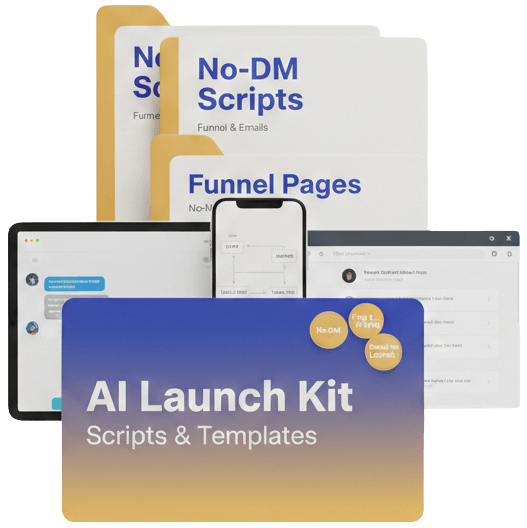
No-DM post & story scripts you can plug into your content.
Follow-up DM prompts to move interested people toward your offer.
Funnel page outlines for your opt-in and sales pages.
Email sequence templates ready for your AI-generated copy.
A quick-start guide showing which piece to use first.
To get the most out of your Launch Kit:
Pick one offer you want to focus on first.
Use the quick-start guide to decide which script or template to plug in today.
Paste the copy into your funnel / email tool, then personalise the details (names, examples, links).
Schedule or send at least one piece of content from the kit in the next 24 hours so you build momentum.
If you’re also using Digital Buyers AI:
Log back into Digital Buyers AI
Make sure your offer and funnel draft from the AI assistant are ready to go.
Then plug the Launch Kit scripts and templates into the funnel you generated there.
You can access your Digital Buyers AI training from your usual course login page. If you can’t find it, search your inbox for “Krystle and Sean” or "Important: Your access to training".
If you don’t receive your access email or something doesn’t look right with your order, email hello@krystlesean.com and include “AI Launch Kit” in the subject line so we can find you quickly.